
Nearly a third of the websites in the world use this CMS. It offers people with no background in tech a chance to build their website from scratch.
When WordPress came out in 2003, it was an exciting new entrant in the world of CMS. In 2020, as websites now reach their saturation point, WordPress is no longer a trailblazing upstart.
Why?
Mobile apps have become a more natural medium of content consumption causing WordPress and websites in general to lose their sheen. Many entrepreneurs who try starting an online business today think about mobile app development, not websites. Android & iOS mobile apps for WooCommerce and WordPress are especially popular, as is the use of any given free online app maker.
Mobile websites vs Mobile apps
Before declaring mobile apps the winner of all tech battles, let’s stop for a moment. It is not as if access to websites is hampered in any way. Smartphones have web browsers and people can use them to access all kinds of websites.
WordPress is particularly mobile friendly as well. This is important because this means WordPress websites should ideally offer mobile audiences an ideal experience.
It is true that WordPress websites generally meet all important criteria for mobile-friendliness. However, this doesn’t mean they offer an experience on par with most native apps.
Hard numbers show that mobile websites are far behind mobile apps in important fields like ecommerce in terms of user preference. As many as 85% regular shoppers prefer using mobile apps over mobile websites.
Numbers such as these only incentivize entrepreneurs and companies to focus more on apps instead of websites.
The status quo of app development
What does the popularity of mobile apps tell us?
The audience is making its preference clear. The scale of increase in mobile app usage suggests that people are not coming back to mobile websites again. Anyone with an online business that runs on website traffic must start thinking long term now.
In one way or another, mobile apps will monopolize all kinds of online activities. Even bloggers with extensive WordPress blogs might have to think of ways to enter the mobile app market and make their own niche.
The real challenge is app development, not a lack of acceptance for the rise of mobile apps. Even people with successful WooCommerce and WordPress websites are looking for ways to graduate to a mobile app. There is near complete acceptance about the ubiquity of smartphones and how mobile apps represent the future.
Generally, developing a website on WordPress and developing an app are seen as two separate processes.
One is vastly more difficult and expensive than the other. Furthermore, people don’t see a direct relation between the two.
This perception has been the status quo in both website and app development for a long time.
Off late, new app builders have changed the equation.
How AppMySite makes WordPress relevant in app development?
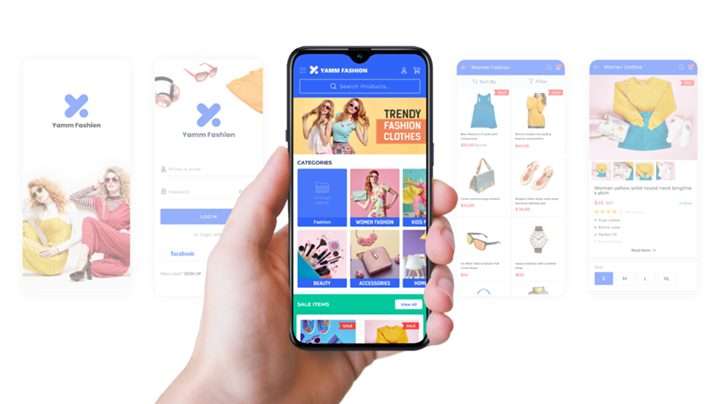
App builders are platforms that allow users to make an app without writing any code. Users can avail any free online app maker in the market. However, only a few are reliable enough to create an entire app on.
The lure of app builders is obvious. Good mobile apps are a premium commodity. Furthermore, a brand that has an app on prominent app stores automatically commands a greater brand name and value.
The problem here is a gap of knowledge. App development is tedious and requires comprehensive knowledge of programming.
App builders are a solution to this problem. They help those who don’t know programming make a nifty app in a short period of time.
AppMySite: An introduction
We mentioned earlier that choosing a reliable app maker is important. AppMySite is one of them.
Native apps are essentially software. They are programmed to perform a specific set of functions. This is why their development is more tedious than building a website for instance.
Since mobile apps are so complex, choosing any random free online app maker is problematic. AppMySite is reliable in this regard. Besides its track record in helping build many successful apps, AppMySite’s USP is its simplicity.
App builders are generally not used by technical savants. They should offer a simple and effective experience to their users. AppMySite comes through on this front.
What does AppMySite offer?
Websites and mobile apps are usually seen as separate entities. The working of a company’s website is not known to impact the functioning of the app.
You would think otherwise if you use AppMySite. It allows users to convert their WordPress website to a mobile app. During the process, the app builder pulls all relevant content from the website and displays it on the mobile app. Thus, any changes made on the website are directly visible on the app.
No kind of coding is required during the process. Users can build an app without knowing any kind of coding.
Why WordPress optimizations become important with AppMySite?
AppMySite turns your WordPress website into a mobile app. The app you eventually get from the platform collects all its content and data from the WordPress website.
Thus, the optimality of the website itself plays a massive role in shaping the performance of the app.
As mentioned earlier, websites and apps are generally considered two separate entities. However, AppMySite makes both closely interdependent. For instance, if a website is loading pages slowly on a given day, the app will also work slowly.
AppMySite brings both websites and apps in the same conversation. This is especially helpful for a company trying to establish a similar brand theme with both its website and app.
AppMySite users can improve the performance of their apps with some simple modifications to their website. In the following sections, we will discuss the exact nature of these modifications.
WordPress optimizations that help app performance
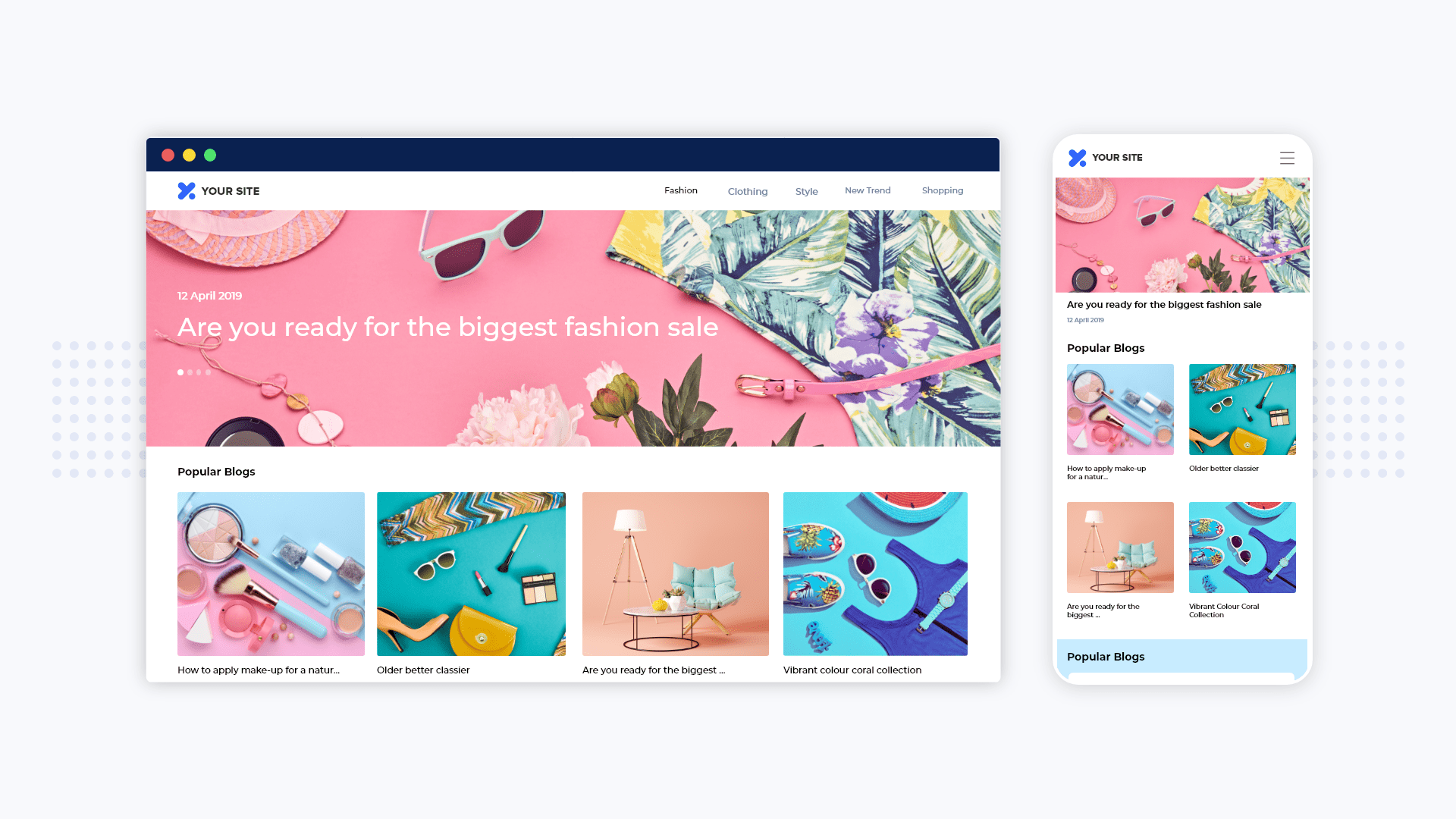
There are many simple changes your WordPress website can use to enhance app performance. You do not need to worry about these changes affecting the ranking and traffic of your website. If anything, the changes we will cover in the sections below will only enhance your website’s performance and traffic.
Here are the WordPress optimizations you must make to enhance the performance of your app on AppMySite.
SSL certificate
Look at the address bar in the browser you are reading this article in. You will find a closed lock before the URL. The closed lock is a sign that the website you’re on has an SSL certificate.
There are many reasons your website needs an SSL certificate.
For one, SSL certification ensures a certain degree of data security. The information on an SSL-certified website is encrypted and can only be unlocked by the intended recipient of the information.
Secondly, an SSL certificate helps create a unique identity for your domain. This is an essential from a cybersecurity standpoint.
These reasons make SSL certification crucial for your website. The question here is how does getting an SSL certificate help your app.
An app built on AppMySite collects data from the website. The connection between the website and the app must then have some level of security as well.
An SSL certificate helps provide the same. It encrypts the connection between the website and the app.
App stores generally account for various cybersecurity factors when they review an app during the submission process. Having an SSL certificate can help ease the process.
One thing users must remember is to get the SSL certificate from their hosting provider. The SSL certificate you get will otherwise not identify your website.
Web host
One of the biggest reasons for slow app speed is a poor web hosting plan.
AppMySite depends on the ability of a website to respond to a request within a given time frame. When the website doesn’t respond to a request within a certain time frame, the app is bound to perform slowly.
The problem is not uncommon. When you decide to make your own app for iOS and Android with AppMySite, you open an entirely new avenue for traffic. Your web host generally only caters to website visitors. also has to simultaneously manage app users the moment your app goes live.
The solution?
You need a better hosting plan. As your app grows and attracts users, you need a plan that caters to all your visitors, not just those who visit your website.
This naturally requires thorough analysis on your part. Dive into the current traffic numbers of both your website and app. Based on your current traffic and its overall trend, make a projection of where it could be one year down the road. This will help you decide the kind of hosting plan you need.
If you are hesitant to immediately graduate to an expensive hosting plan, move gradually. Choose a hosting plan that solves your current needs effectively and closely monitor traffic growth. The important point here is selecting an optimal hosting plan at every turn to make sure both the app and website performance remain top notch.
WP Engine is one of the foremost WordPress web hosts in the world. You cannot go wrong choosing WP Engine as your web hosting partner. Every plan comes with a free CDN, SSL certificate, and automated backup options.
More than anything, WP Engine will supercharge your website speed. As a consequence, your app speed and performance will also skyrocket. Click here to start hosting your WordPress website on WP Engine.
Image optimization for faster loading
You probably load a lot of images from your website if you have a live WooCommerce app built with AppMySite. After all, an ecommerce app must display the images of every product it has.
However, loading all these images and maintaining high app performance is very challenging. This is especially true if the app has to import high quality PNG images.
Image optimization is an important technique developers often use to improve the speed of a website. While developing an ecommerce app using AppMySite, it makes sense to optimize all images on the website. This allows the app to load at a much faster rate.
There are many plugins available to automate the process of image optimization.
The quality of images on an app is important. However, if high resolution images hurt the loading speed too much, the quality is not worth the wait.
Use a CDN
Your users won’t generally come from one location alone. It takes time for a server to transport information halfway around the world. It turns out that the distance between the server and client can play a crucial role in holding back a website’s speed.
For those using AppMySite, this means a lag in app performance as well.
The solution to this problem is using content delivery networks or CDNs.
CDNs are known for distributing the burden of loading content across different servers in the world. Thus, the role of distance in slowing down website speed is diluted.
WordPress users have the option of installing a number of plugins that offer free CDN services. As this helps improve website speed, the performance of the app is also simultaneously enhanced.
Permalink settings
Permalink settings determine how every link of a WordPress website is structured. While connecting your website with AppMySite, it is important to set the permalink to ‘postname’.
This helps the app builder import content from your website without any complications.
Category images
Your app’s dashboard contains a special section for categories. For both normal content websites and ecommerce stores, category sections are important. They help visitors see the type of content (or products) they will find on the app.
AppMySite allows users to display specific images in the category section. However, users must assign specific category images on their WordPress backend. AppMySite directly pulls category images from the category page itself. Users have to update their category pages with the images they want to see in their app’s category section.
In conclusion
The state of a WordPress website may not mean anything to the performance of the mobile app carrying the same name. However, this connection becomes important when using AppMySite to make your own app for iOS and Android.
This piece covers the changing status quo of app development driven in part by the rise of app builders. It also covers how AppMySite is a solid app maker for building reliable Android & iOS mobile apps for WooCommerce and WordPress.
The final section deals with the crux of the matter – how should one optimize a WordPress website to improve app performance? AppMySite relies on websites to make apps work. Thus, factors like app speed, security, and content are all driven by the website itself.
The section covers some of the optimizations users can make to their WordPress websites to enhance app performance. Some of these changes may take time to institute. Others are easy to implement. Users should consider making every change possible to optimize the performance of their apps.
Need help optimizing your WordPress Website for a better performing mobile app? Here’s your guide for enhancing the speed and performance of apps built with AppMySite.